
How to Combine Social Media, SEO, and Paid Advertising in One Marketing Strategy
How social media, SEO and paid advertising each play a different role, and how to connect them with one message, shared audiences and consistent measurement.
How small and mid-sized businesses can use AI automation to capture, route and follow up enquiries and to support customers faster — while keeping people in control.
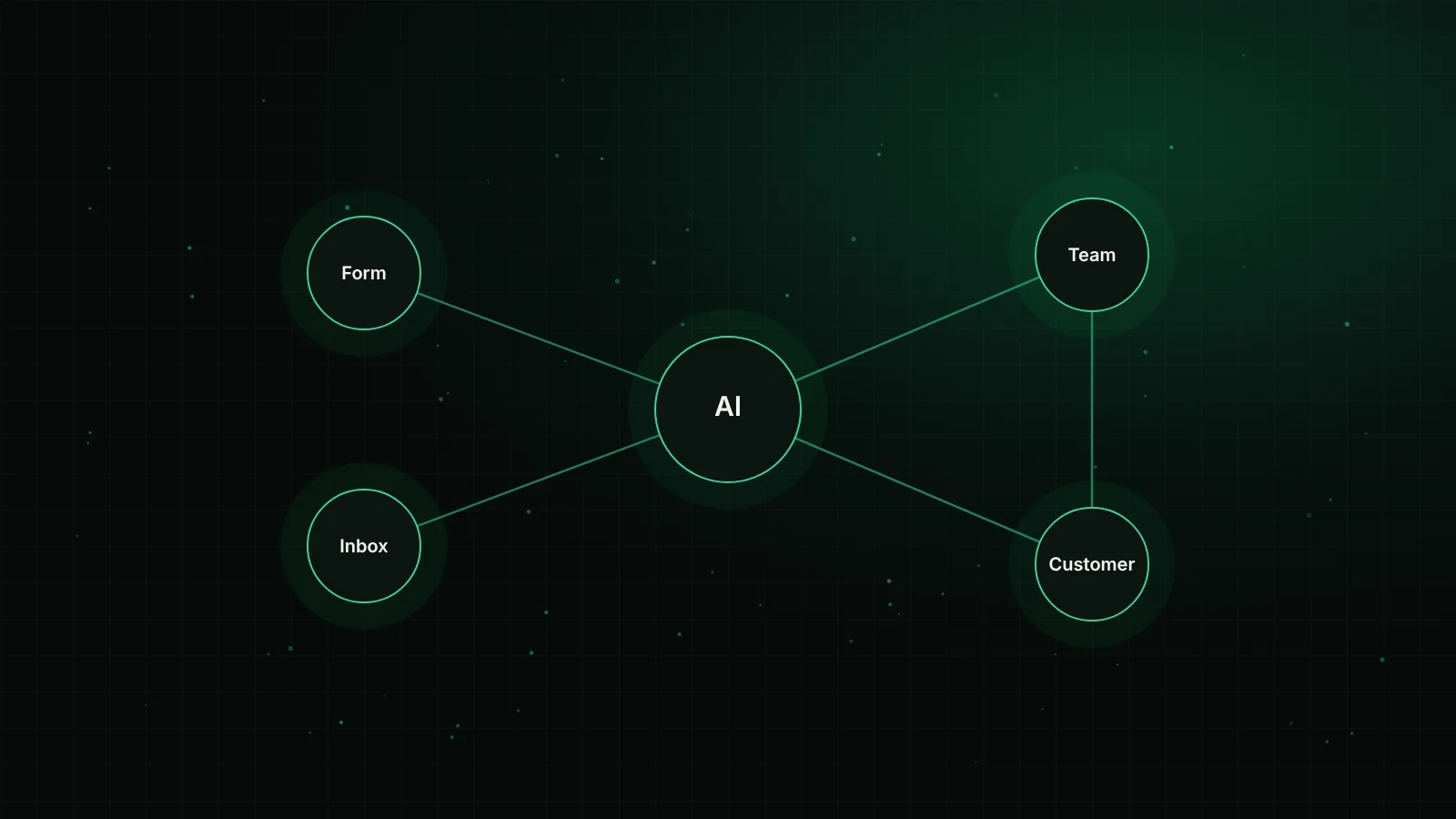
AI automation improves lead follow-up and customer support by handling the predictable steps — capturing enquiries from every channel, recording them once, sending a prompt confirmation, summarising the request and routing it to the right person — so your team can spend its time on the replies and decisions that need human judgement.
The aim is not to remove people from customer conversations. It is to remove the delays, copying and forgotten messages that happen between those conversations.
Many businesses lose enquiries not because their offer is weak, but because the reply comes too late or never arrives. A widely cited study published in Harvard Business Review found that firms that tried to contact potential customers within an hour of receiving a query were nearly seven times as likely to qualify the lead as those that waited longer (Harvard Business Review). The research is more than a decade old and buying behaviour varies by industry, but the underlying point still holds: interest fades, and people often contact more than one provider.
For a small team, consistently replying within an hour is difficult. Enquiries arrive through a website form, email, WhatsApp, Instagram messages and phone calls. Each channel is checked by different people at different times. Automation helps by making sure every enquiry is seen, recorded and acknowledged, even when nobody is free to reply in full.
It helps to separate two ideas that are often blended together.
Workflow automation moves information between tools according to rules: when a form is submitted, create a contact in the CRM, notify the sales channel and send a confirmation email. Tools such as n8n, Make and Zapier are commonly used for this.
AI-assisted steps add judgement-like tasks inside those workflows: summarising a long message, suggesting a category, extracting a budget or location from free text, or drafting a reply for a person to review.
Most useful systems combine both. The rules provide reliability; the AI steps handle the messy, unstructured parts of real customer messages.
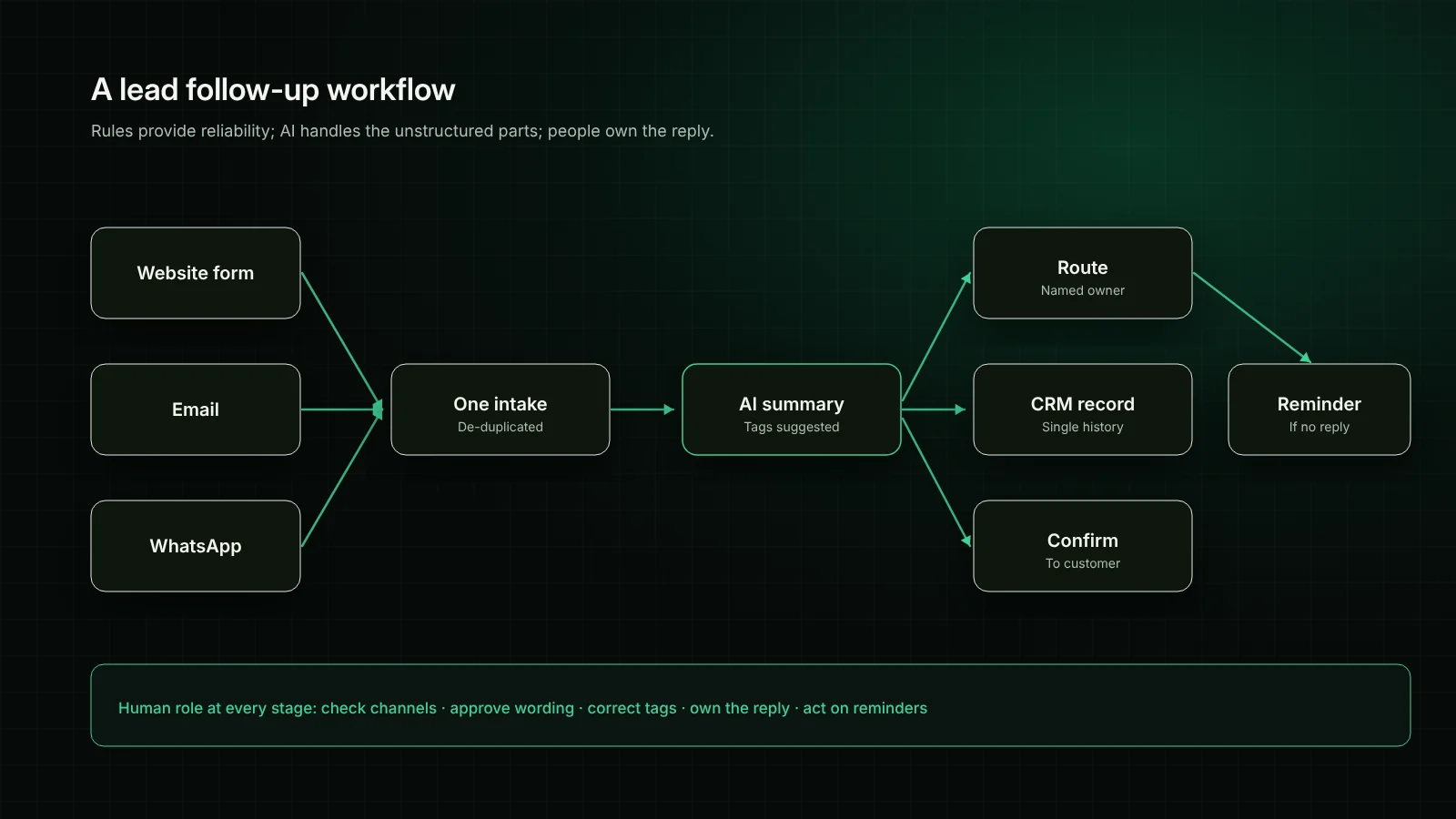
Bring enquiries from forms, email and messaging into one workflow. Check for duplicates so the same person is not recorded three times. This alone gives managers a clearer picture of demand.
Send an automatic confirmation that the enquiry was received, what happens next and how to reach you urgently. Keep it honest — do not promise a reply time your team cannot meet.
An AI step can turn a long message into a two-line summary with suggested tags such as service, location or urgency. The person receiving the lead sees the essentials immediately. Allow staff to correct tags, and review accuracy during the first weeks.
Assign each enquiry to a specific person based on service, region or availability. Shared inboxes without ownership are where leads are most often forgotten.
If no reply has been recorded within the agreed window, remind the assigned person or alert a team lead. This is a simple rule, but it addresses one of the most common causes of lost enquiries.
Customer support has a similar pattern: many routine questions and a smaller number that need careful handling.
The most frustrating automated support is the kind that traps customers in loops. Every chatbot or automated channel should offer a clear route to a person and pass along the conversation so the customer does not have to repeat themselves. Label automated assistants clearly so customers know when they are talking to software.
AI tools are useful, but they are not infallible. Plan for these points from the start:
You do not need to automate everything at once. A sensible starting sequence is:
| Step | Typical tools | Human role |
|---|---|---|
| Capture | Website forms, email parsing, WhatsApp Business | Check for missed channels |
| Confirm | Email or messaging templates | Approve wording |
| Summarise and tag | AI model within the workflow | Correct and review accuracy |
| Route | CRM rules, team notifications | Own the reply |
| Remind | Scheduled checks | Act on reminders |
AI automation works best as a support system for your team: it catches every enquiry, gives customers a prompt acknowledgement, summarises the details and makes sure someone is responsible for the reply. Start with the steps that cause the most delay, keep people in control of important conversations, and review the results regularly.
If you would like help mapping your current process, our AI automation team can design and build a workflow around the tools you already use. We also set up AI chatbots with clear handover rules and provide day-to-day customer support management.
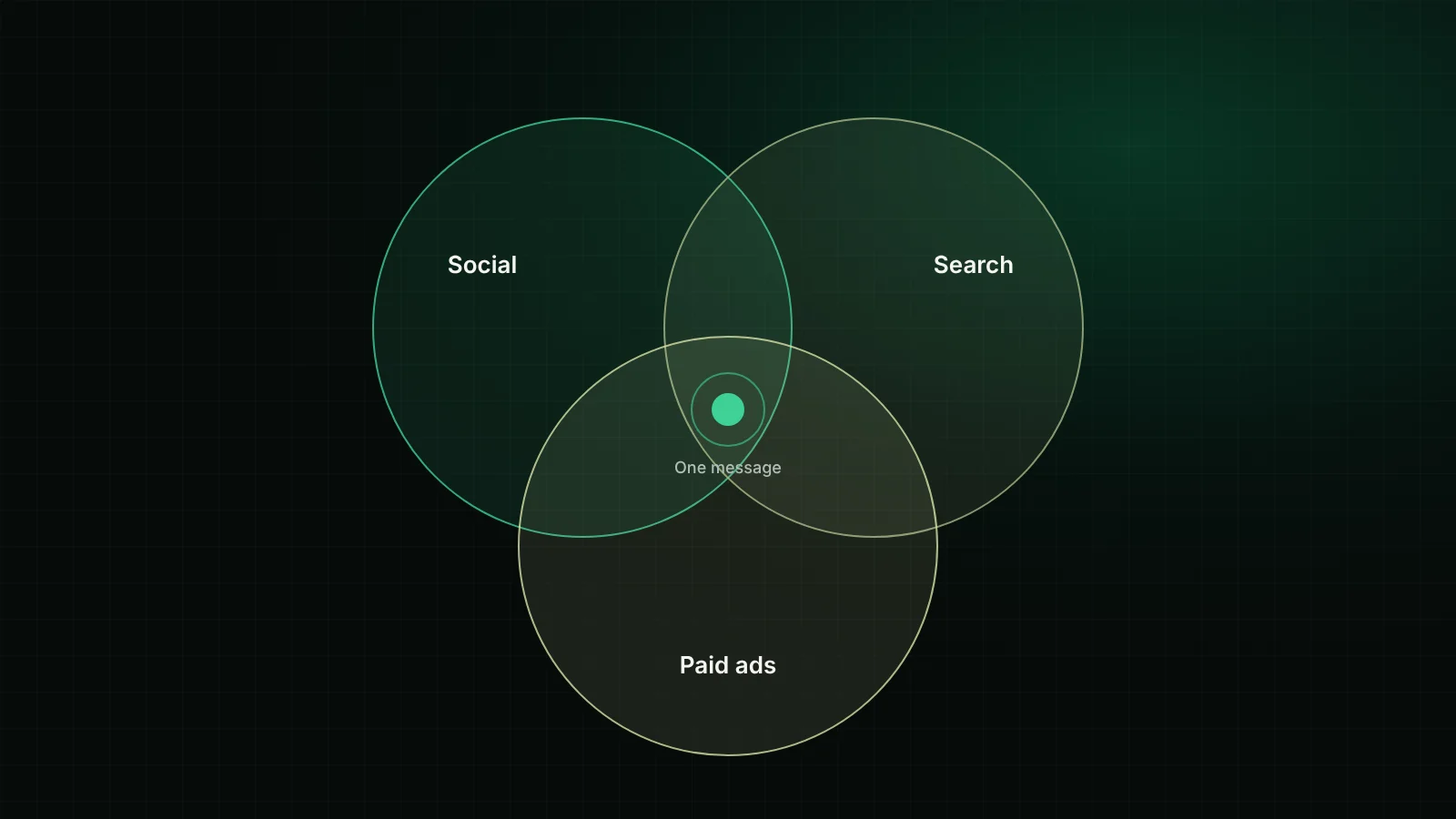
How social media, SEO and paid advertising each play a different role, and how to connect them with one message, shared audiences and consistent measurement.
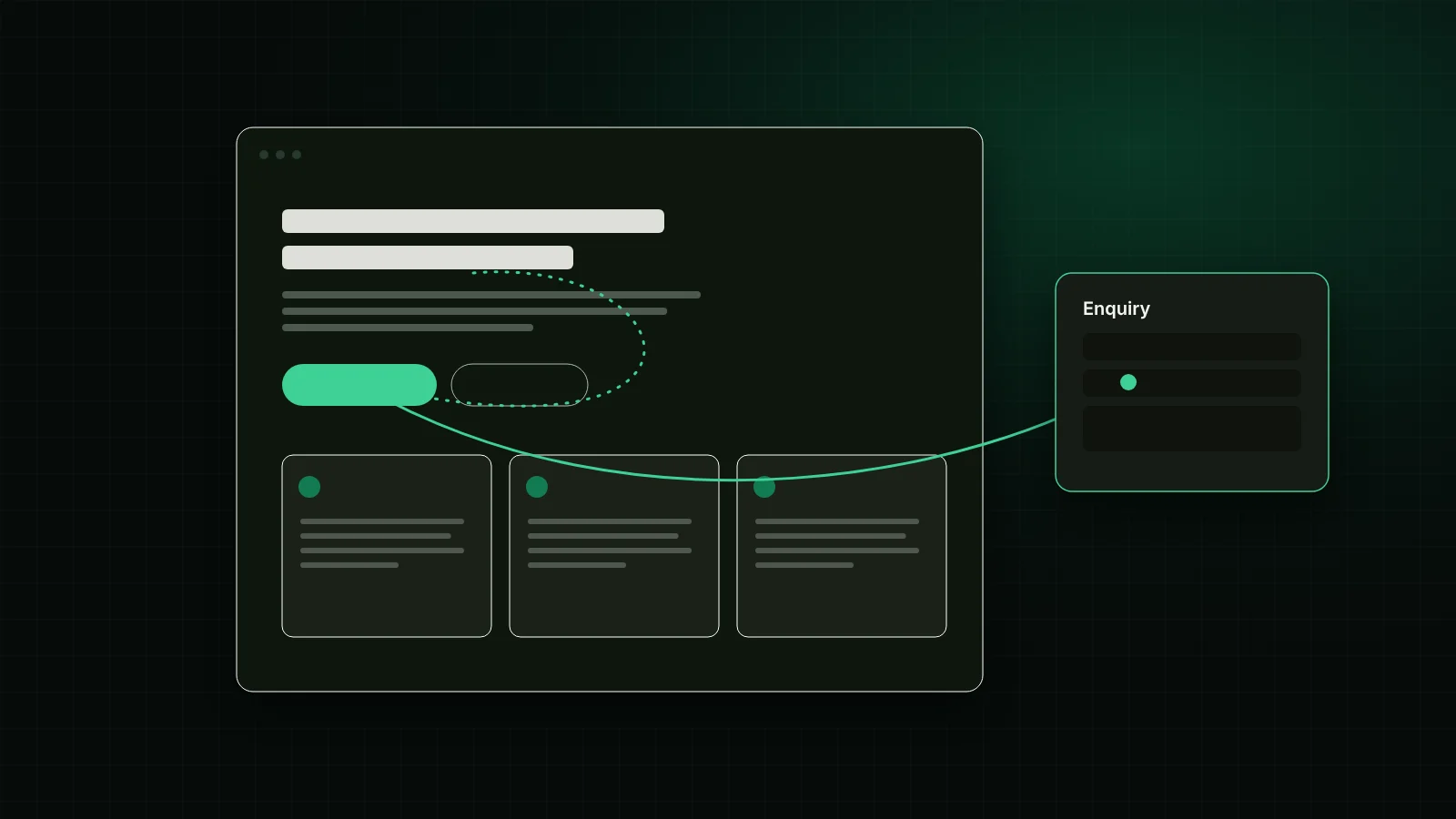
A practical checklist for small business websites — clear positioning, page structure, trust, speed, mobile usability and enquiry paths that make it easy to get in touch.